
My Favorite Things
Disclaimer: this page may have affiliate links. If you click on one and make a purchase, I might earn a tiny commission (at no extra cost to you, of course!). I only recommend products I genuinely love and think you’ll find super helpful—not just for the little bonus I get if you shop.
You don’t need fancy tech or every shiny tool out there to be successful. Promise!
After 8+ years as a creative entrepreneur, I’ve tried lots of tech and tested more materials than I care to admit. Here’s what I’ve learned: you can totally build a wildly successful business with simple tools.
Start with the basics and only add more when you actually need it. The real secret to success isn’t in some magical tool or piece of software—it’s in your brand, how you serve your audience, and how you share your products.
Laser Favorites
Wood & Acrylic
1/8 PREFINISHED MAPLE
Finished maple plywood was my favorite for physical products I shipped to customers. Instead of masking the wood, simply use a damp cloth to wipe away any char from the finished surface. While it’s a bit more expensive, it saves you tons of time by skipping the unmasking step.
1/8 UNFINISHED MAPLE
Unfinished maple plywood is my favorite for testing my SVG designs. It’s affordable, but beautiful. 90% of the time I sand this wood, instead of masking.
1/4 MAPLE PUREBOND
I use maple purebond plywood from Home Depot for my bigger projects. It’s thicker and more affordable than the 1/8 maple mentioned above. 90% of the time I sand this wood, instead of masking.
1/8 CLEAR ACRYLIC
I’ve found that clear acrylic from GS2 Awards has the best price, fastest shipping, and uses the best masking tape. I love this product!
MATTE ACRYLIC – CUSTOM MADE BETTER
I love the look and feel of matte colored acrylic—my go-to finish. I purchase mine exclusively from Custom Made Better. They have the best color selection and Melody (the owner) is the kindest, coolest human.
Tools & supplies
GLOWFORGE PRO
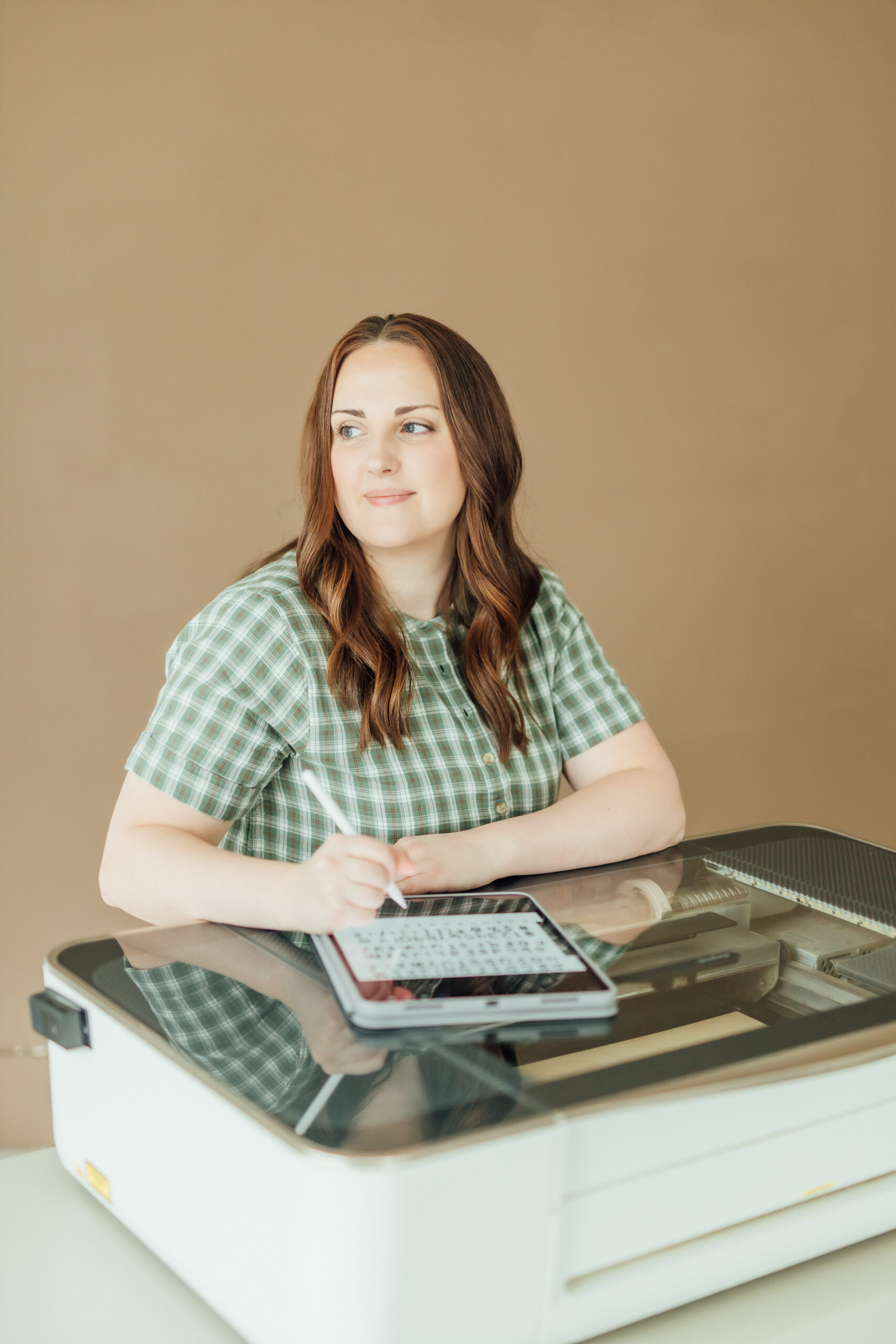
This was my very first laser! I bought it back in 2018, and it’s still going strong. I chose the Pro model for the passthrough slot, even though I didn’t think I’d need it for my smaller projects. Turns out, I use the passthrough about 90% of the time.
AEON MIRA 9
I upgraded my laser in 2023 and love having a bigger, faster laser. And the best part, Aeon’s customer support is top-tier!
ORBITAL SANDER (Amazon)
I prefer to sand my unfinished wood to remove char instead of masking. This sander is comfortable to use and gets the job done fast.
AC INFINITY 6″ INLINE FAN (Amazon)
I added this to my Glowforge to cut down on the smell and noise—it’s a total game-changer! Honestly, I wish I’d gotten it right from the start. If you’re looking to upgrade your hobby laser setup, I can’t recommend this enough.
8 GALLON AIR COMPRESSOR (Amazon)
I bought this as an upgrade for my Mira 9. The extra air from the compressor creates better, cleaner cuts. Love this upgrade!
3M 467MP ADHESIVE
I use this on the back side of my material (mostly acrylic) for attaching 3D details
instead of gluing every piece.
MASKING TAPE (Amazon)
Sometimes I mask my material. When I do, I have found this brand works great! Just be sure to burnish it on good with a scraper.
PLASTIC SCRAPERS (Amazon)
If you’re going to mask, these little guys are great help!
HANDHELD COMPRESSOR (Amazon)
After I sand my unfinished wood, I use this handheld air compressor to blow away the dust left behind on the wood.
PAPER ROLL DISPENSER (Amazon)
I use this to store my masking tape and 3M adhesive rolls. You can attach it to the wall or leave it freestanding—it’s sturdy enough that it won’t slide around too much!
70% ISOPROPYL ALCOHOL WIPES (Amazon)
When I cut acrylic, I remove the top masking first. After cutting, I use these wipes to clean the acrylic if needed. There’s a rumor that isopropyl alcohol is bad for acrylic, but I can confirm it’s perfectly safe (ask Melody)—just avoid using it on clear acrylic! *These work great to clean prefinished plywood too!
Design Tools
Adobe Creative Cloud
I subscribe to the all apps plans. I use Illustrator (my main vector based program), Photoshop, Lightroom, Premier Pro, Firefly, and Express.
Affinity Designer
This is an awesome alternative to Illustrator if you’re not ready to commit to a subscription. It’s a one-time purchase, and it even includes the iPad app.
Astropad Studio
This app get installed on your iPad and computer. It mirrors your computer screen onto your iPad, essentially turning it into a professional graphics tablet.
Creative Fabrica
Try before you buy! Start your one month All Access Free Trial and get access to 10 free downloads of fonts, graphics, and more. Or pay $49 for the year!
Canva
I resisted jumping on the Canva bandwagon for so long, but I finally came to my senses—it really is a total time-saver for creating beautiful graphics! Create a free account or go Pro.
Procreate
This is an iPad exclusive app. I use this with my apple pencil to hand letter words, draw simple sketches, and trace over images. You pay once and it’s yours forever! A must have for any designer with an iPad.
Creative Market
When I want high quality design resources, like fonts or graphics, Creative Market is my go-to. They also have a membership option if you plan on making frequent purchases.
iPad Pro + Pencil
This is definitely an investment, but one of my most used tech purchases for my business. I went pro for the bigger screen. It’s also compatible with the apple pencil, which is a must-have.
Business Tools
Flodesk
This is the email marketing system I use for beautifully designed emails. It’s beginner friendly, has several templates to choose from, and the price doesn’t increase as your list grows. Free trial and 50% off your first year with my link!
ThriveCart
ThriveCart is the standard for checkout and sales pages. When you purchase ThriveCart, with their one-time fee, you get access to their Learn platform where you can host courses and digital products with no limits.
Teachery
If platform customization is a priority for you, Teachery is the best! You can personalize the look and feel of your course or digital product hub to match your brand. Plus, they offer a one-time lifetime fee!
Dropbox
Dropbox is a lifesaver for keeping my files organized and accessible from anywhere. Whether I’m working on designs, storing backups, or sharing files for collaborations, it’s fast, reliable, and easy to use!
ManyChat
ManyChat is the ultimate tool for automating messages and engaging with your audience! If you’ve seen a caption like “Comment LASER and I’ll send you the link” that’s ManyChat.
Kadence
I use WordPress with Kadence, which builds customizable, professional websites that are packed with features and totally user-friendly! You can use it for free or upgrade to more features.
ChatGPT
ChatGPT is my go-to for brainstorming, quick answers, and creative inspiration. It’s like having a super-smart assistant ready to help with anything. I also use it for Dall-E to generate art.
Quickbooks Solopreneur
QuickBooks simplifies tracking income, expenses, and taxes—keeping your business organized and stress-free! You can also connect Etsy to it to record your Etsy orders and expenses.
Camera & Audio Gear
Tella.tv
Ever watch a YouTube video with pretty, branded screen recording? This is the software used. It also uses AI to transcript your audio making it easy to edit your videos.
Descript
Descript is great for editing videos, podcasts, short-form video, and more with text-based tools, screen recording, and AI features. Perfect for professional results!
Teleprompter
If you find it helpful to follow an outline or script for your videos, a teleprompter is a great investment. You can snag an affordable one right on Amazon!
4K Sony ZV-E10
This a great beginner camera for video content creation for YouTube and courses. It can also be used as a webcam—I love using mine for zoom calls!
Samson Q9U Mic
This microphone is perfect for anyone serious about video or audio recording. It’s an investment, but worth every penny. I scored mine refurbished at half the price—such a win!
Elgato Key Light
This light is adjustable, easy to control from your phone or computer, and gives your workspace a professional glow—ideal for videos, photos, or even Zoom calls.
Hollyland Lavalier Mic
After trying (and returning) several cheap lav mics, I finally invested in this one. The quality is so much better! A good lav mic like this is a must-have for short-form videos like reels.
Canon 6D DSLR
I firmly believe quality product photos lead to more sales. I use a full-frame DSLR, which offers higher image quality, better low-light, and better depth of field compared to a crop sensor DSLR.
Courses I Love
Strategies to Scale
I took this course shortly after opening my SVG file shop. Liz’s course covered strategies for SVG file sales, building a cohesive brand, and ideas for taking your business to the next level.
Project Academy
If you’re new to Illustrator—or if you want to sharpen your skills—this course is perfect. Bail teaches how to use Illustrator specifically for SVG file creation, cutting out the unnecessary fluff.
You Can Laser
Katie’s course teaches you to master CO2 lasers and LightBurn through hands-on projects, with access to a supportive community to help you create and sell your laser projects confidently.
Learning Font Making
If you love hand lettering, you can learn how to turn your letters into fonts for extra income with this very in-depth course. Teela is an amazing teacher who doesn’t leave anything out.
Brand Book in a Day
With the help of ChatGPT, you’ll craft a clear, cohesive brand guide covering voice, visuals, and strategy, making content creation easier and more consistent. It’s a fun process that takes just 2-3 hours!
The Email Fix
Gemma Bonham-Carter’s course shares a super simple weekly email strategy that’s brought in over $1.75 million in digital product sales. It’s perfect for engaging your audience and turning readers into buyers!
Course Creator School
Gemma shows you how to launch online courses or group programs that actually make money. With simple AI tools, she makes course creation and marketing easier, so you can grow your business without all the hassle.
Laser Launch Academy
Emily breaks down CO2 laser basics, LightBurn, and design techniques with hands-on projects and an awesome community. It made learning so much easier when I upgraded to the Mira 9!
Amazon Storefront
Check out my Amazon shop to explore all my favorites! You’ll find everything from personal lifestyle must-haves and baby gear to camera equipment and more. It’s a curated collection of things I love and swear by!
