Skip to content

THE FILE MAKER METHOD

Learn Adobe Illustrator for Laser Design

A Beginner Friendly, project-based course that walks you step-by-step through the core tools and workflows needed to create clean, laser-ready SVG designs.

JOIN THE FILE MAKER METHOD

Sound familiar?

  • You’re overwhelmed every time you open Illustrator… it looks like a spaceship you don’t know how to fly
  • You keep spending money on SVG files that almost work but need tweaks you don’t know how to make
  • You’re tired of cobbling together random YouTube videos and still feeling stuck
  • You dream of making your own designs but don’t know where to start
Ashlee Wiggins sitting at a desk writing on her iPad and laser cut products next to her
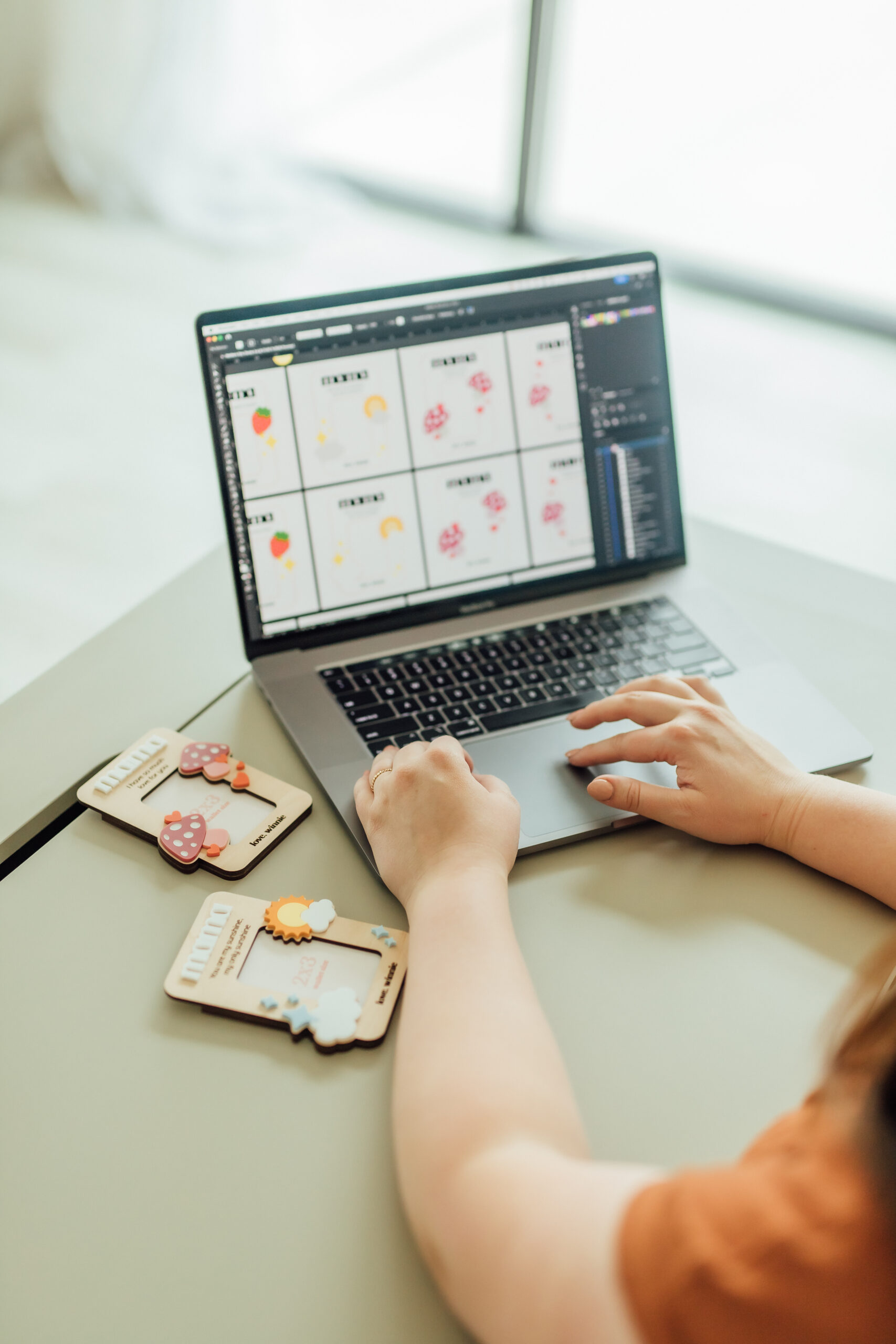
Ashlee Wiggins designing laser SVG files at a desk with laser cut products next to her

Now imagine this instead…

  • You open Illustrator feeling calm and confident
  • You design SVGs from scratch and know they’re laser-ready
  • You finally stop paying for files that don’t fit your style
  • You’re proud of the creative work coming out of your shop
hi, i’m ashlee

I’m a laser owner, educator, and busy mom who’s been right where you are.

Since 2018, I’ve run a laser business while juggling mom life, so trust me, I get what it’s like to feel overwhelmed.

I spent years learning Illustrator the hard way (watching hours of tutorials that weren’t made for laser makers!).

That’s why I created a beginner-friendly, project-based course that teaches only what you need to know to design laser-ready SVGs that actually makes sense for laser makers.
I’m ready to Join
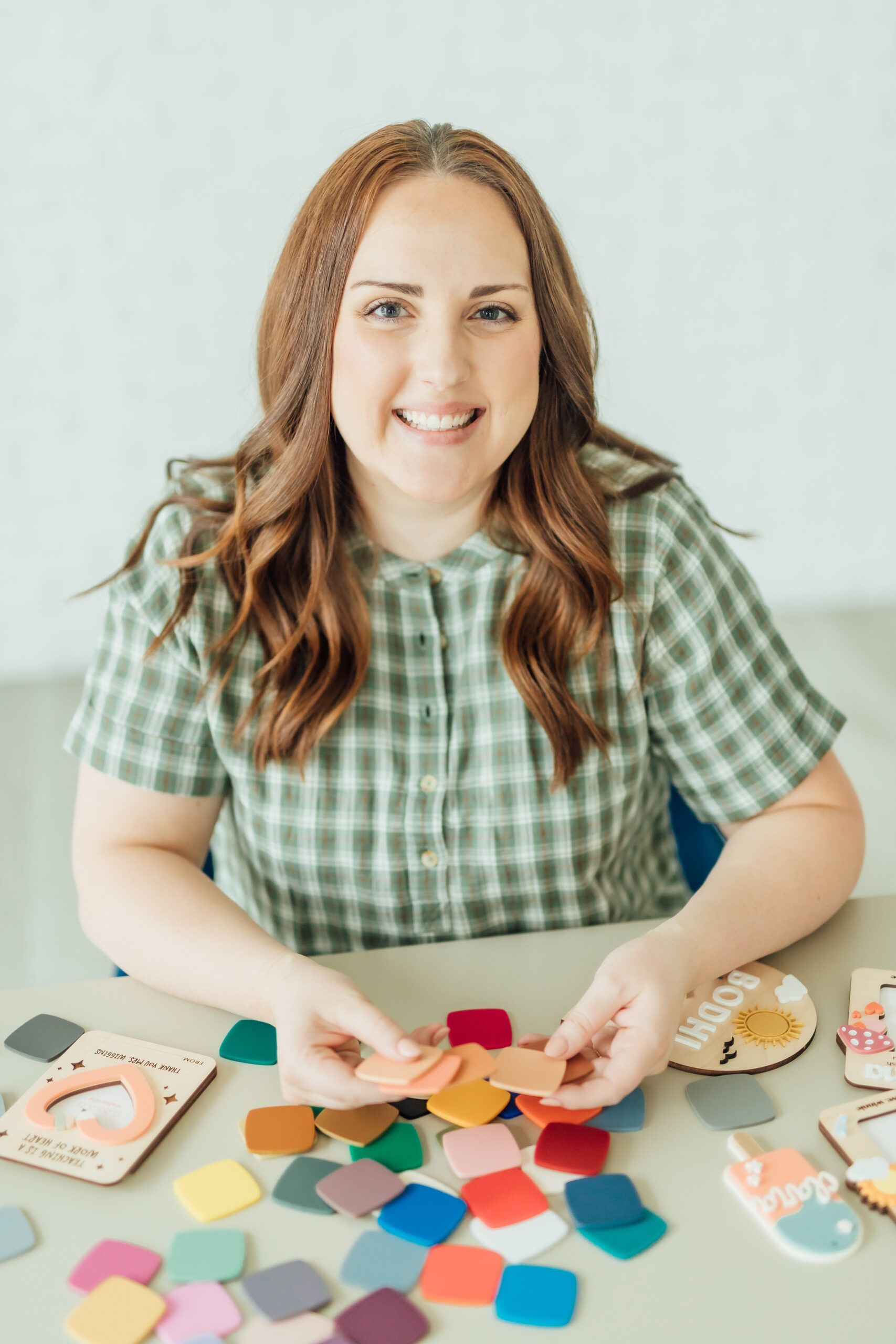
Ashlee Wiggins smiling at the camera while holding acrylic samples and laser products next to her on the desk
introducing

The File Maker Method

A beginner-friendly, hands-on course that teaches you Illustrator by guiding you through 18 projects made specifically for laser MAKERS.

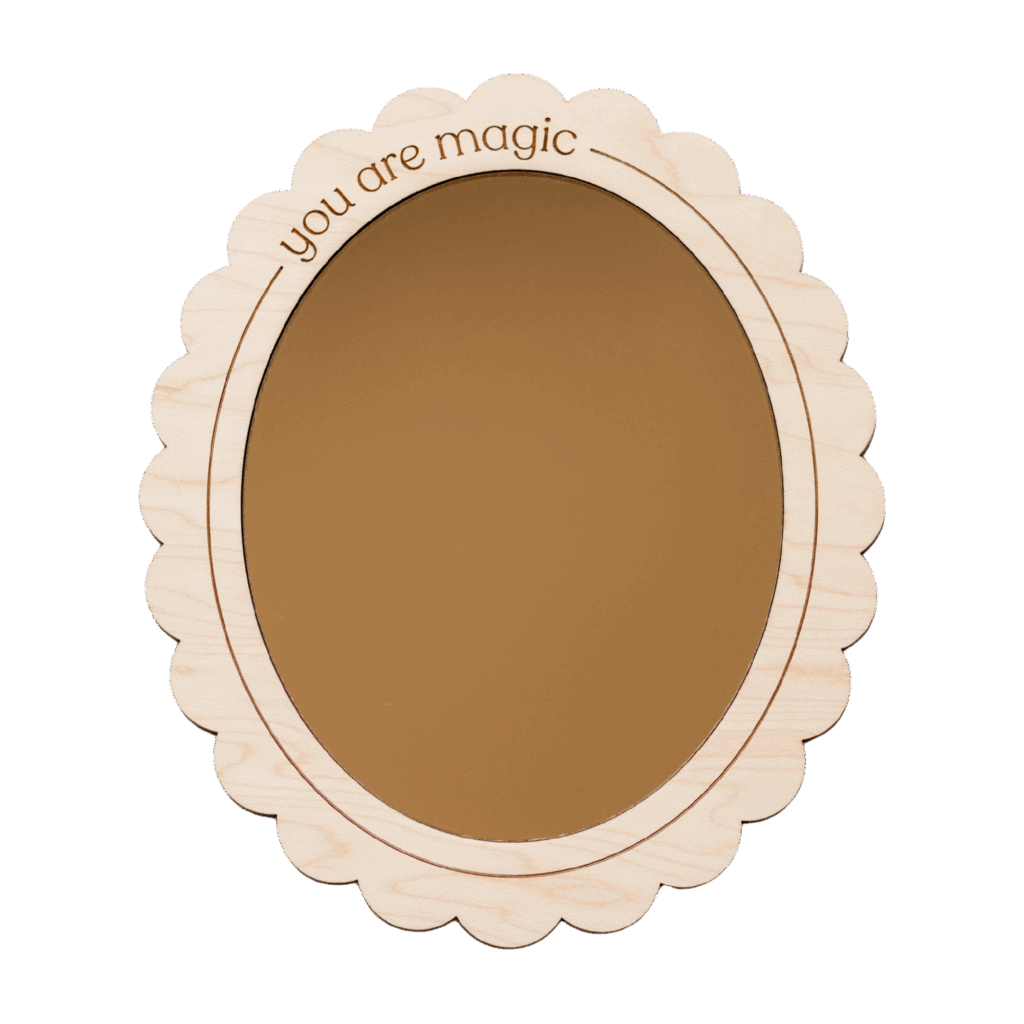
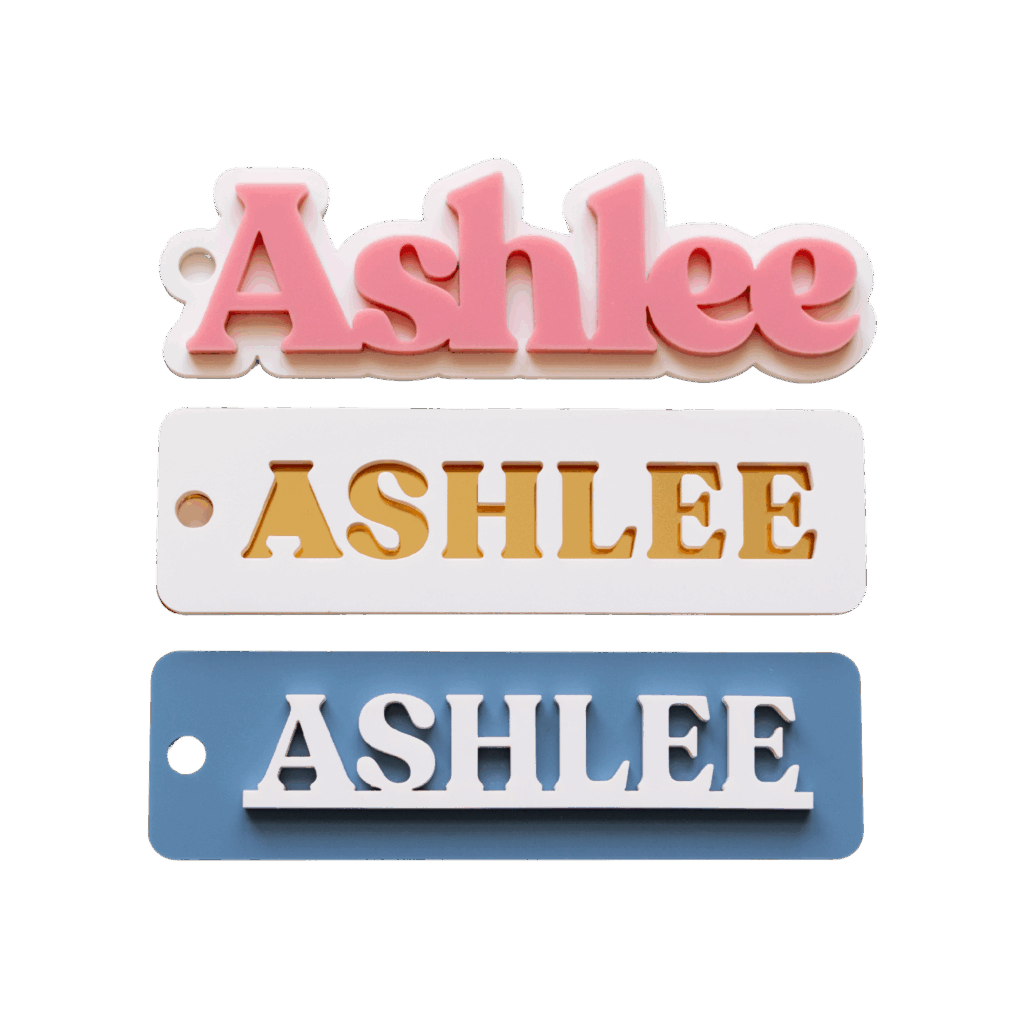
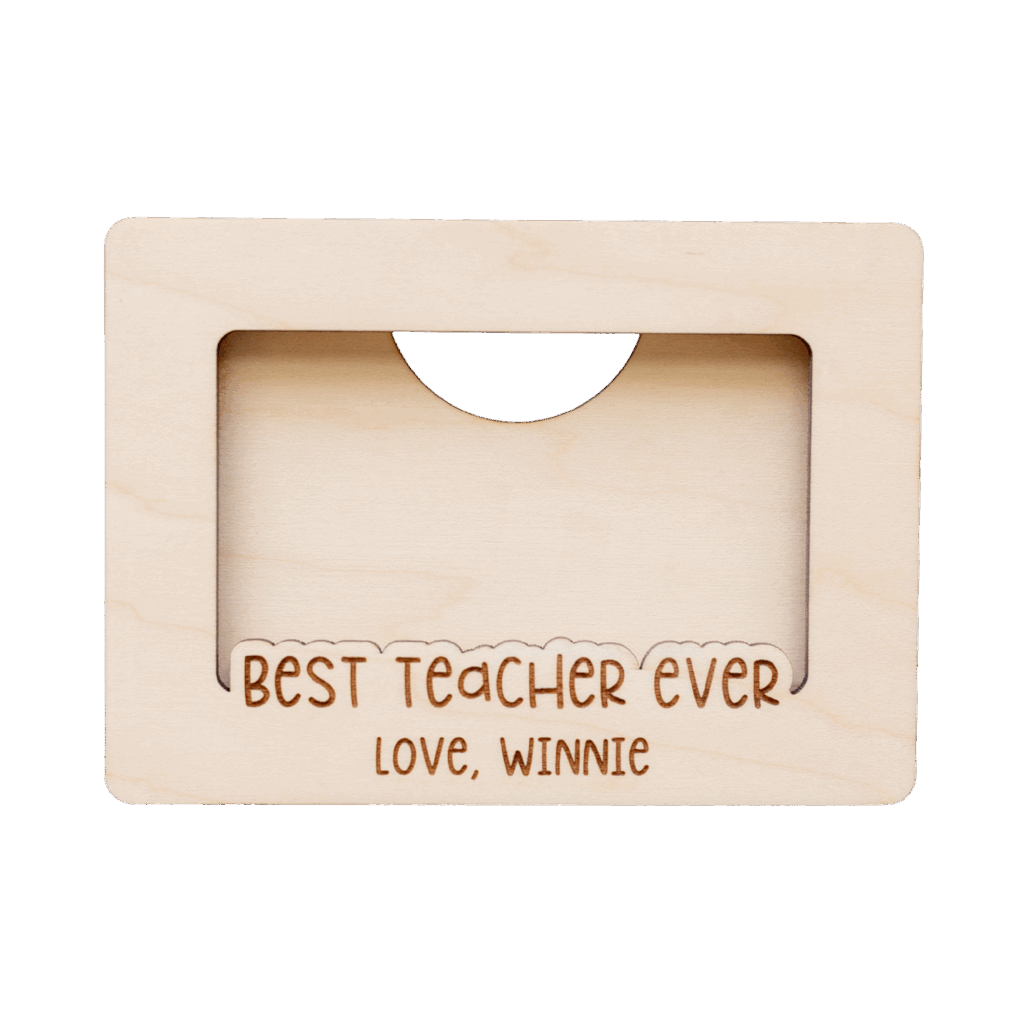
Learn to make SVGs like these

  • Laser cut dry erase calendar sign by Made of Embers
  • Laser cut scallop mirror by Made of Embers
  • Laser cut acrylic frame with Chicago screws by Made of Embers
  • Laser cut Christmas tag with scored elements by Made of Embers
  • Laser cut acrylic name keychains by Made of Embers
  • Laser cut wooden gift card holder by Made of Embers
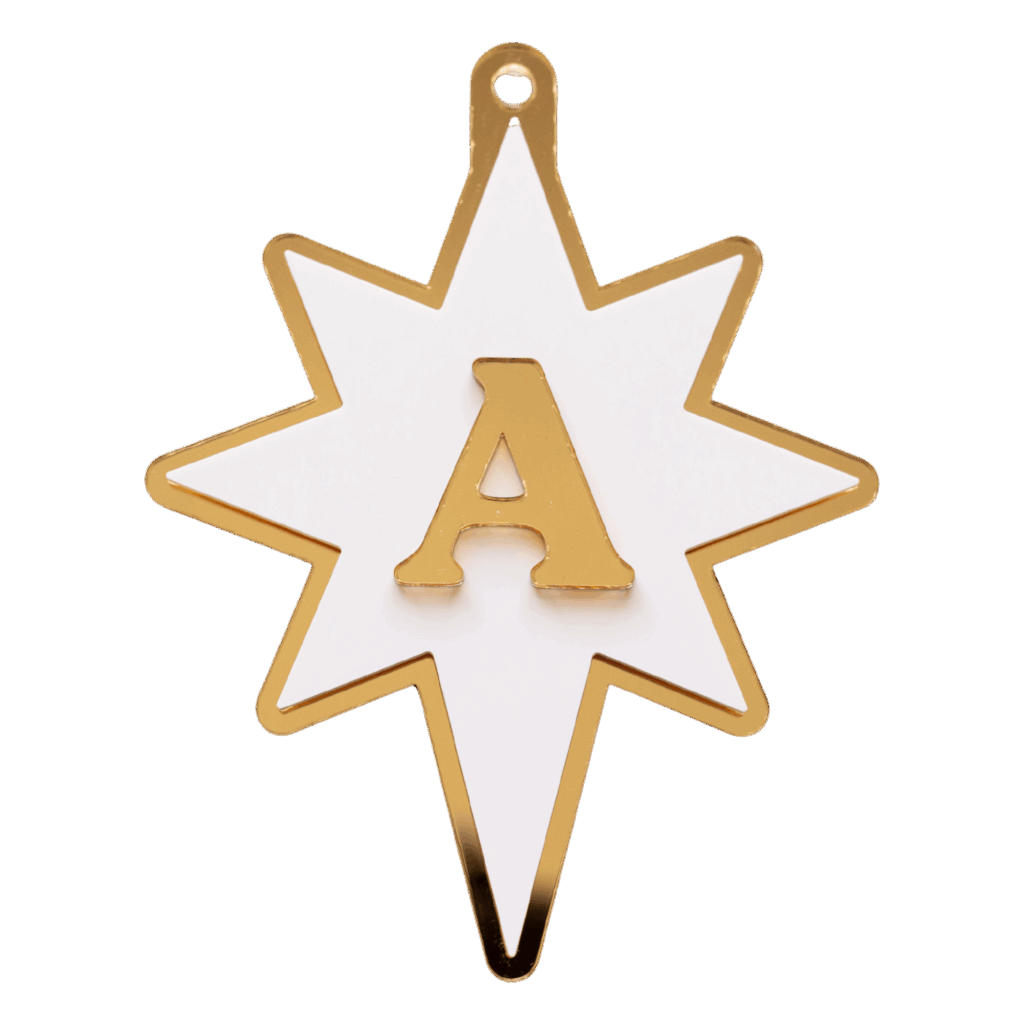
  • Laser cut acrylic star ornament with name initial on top by Made of Embers
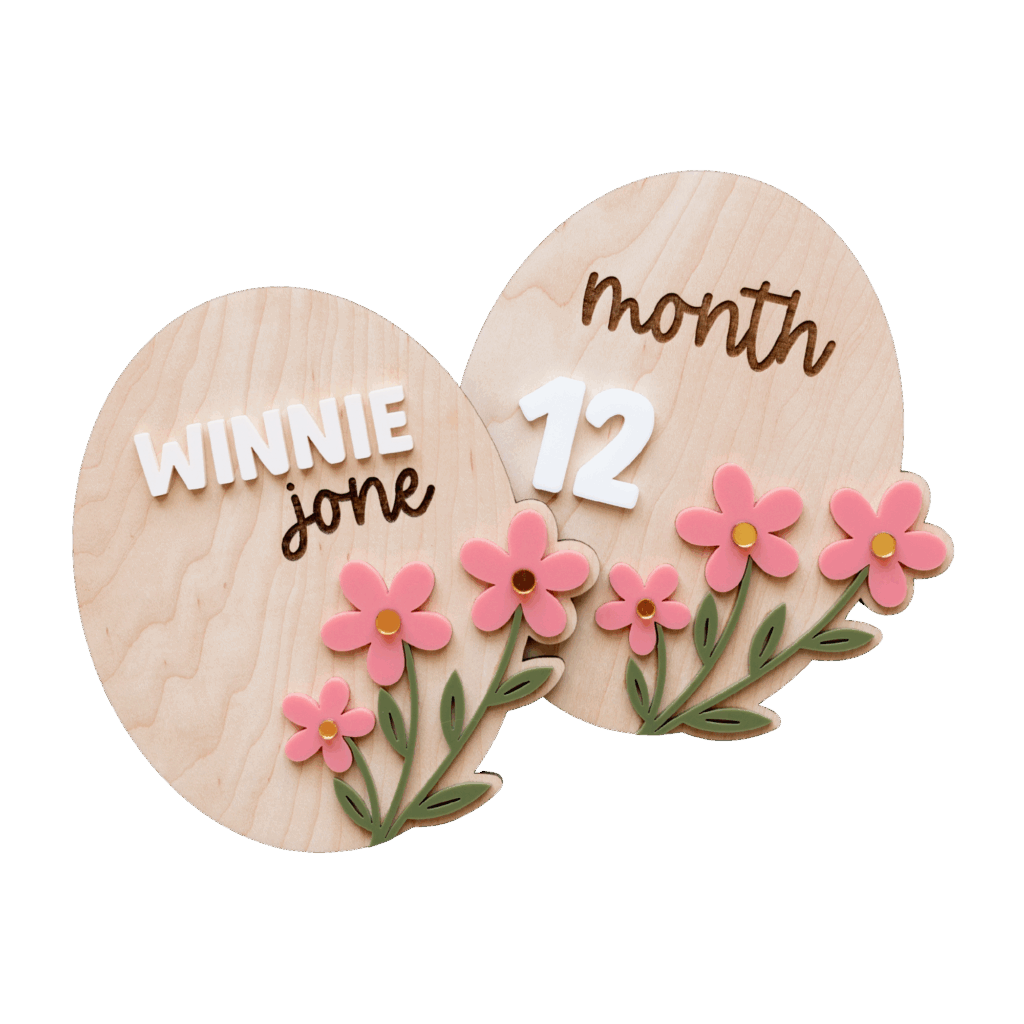
  • Laser cut wooden baby sign with acrylic 3D florals by Made of Embers
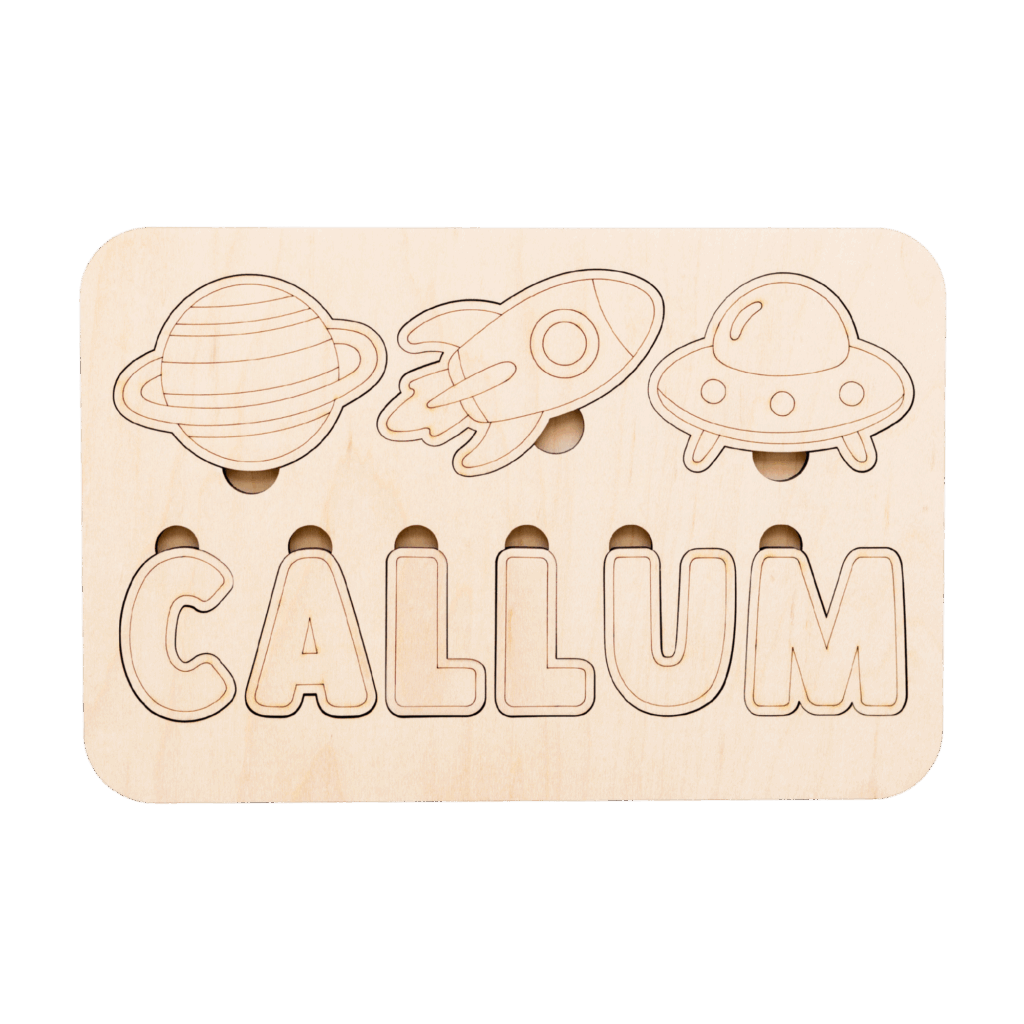
  • Laser cut space theme DIY paint kit name puzzle by Made of Embers
  • Laser cut acrylic initial tag for Halloween boo basket by Made of Embers

Here’s what’s inside:

18 Hands-On Illustrator Projects

Learn by doing, not guessing

SVG File Download With Each Project

Follow along and reference as you go

Laser-Ready Design Checklist

Know your file is laser-ready before you send it to the laser

Video Library With Helpful Extras

Bite sized tutorials to continue learning Illustrator

Behind the Scenes File Maker Chats

Three pre-recorded chats with experienced laser file designers

The File Maker Companion GPT

Ask me (Ashlee) anything and this bot is trained to give you support

and much more…
Ashlee Wiggins holding laser products in her hand

When you finish this course, you’ll be able to:

  • Understand best practices so you can tweak files or confidently create your own from scratch
  • Build a strong foundation in the basics of Adobe Illustrator, knowing which tools matter for laser design
  • Know the exact steps to prepare files for your laser and feel confident doing it.
  • Cut and sell the projects you complete in this course, giving you a solid foundation for your shop

Here’s why The File Maker Method is different:
  • Made just for laser owners (no irrelevant tools, no fluff)
  • Beginner-friendly but practical. You’ll learn what you actually need to know in Illustrator
  • Step-by-step, project-based format so you gain confidence fast
  • Taught by a fellow maker who knows exactly where you get stuck (because I’ve been there!)
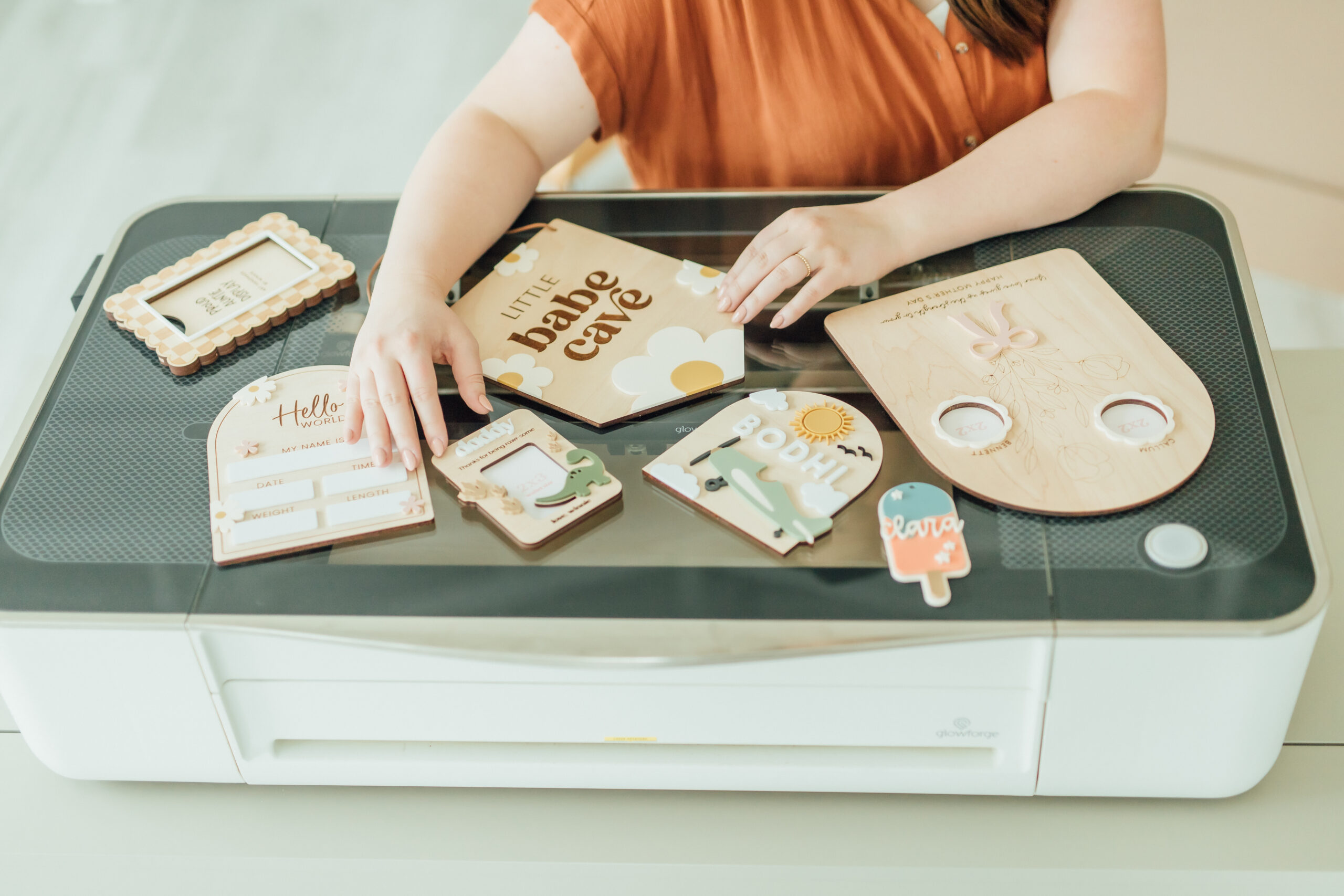
Ashlee Wiggins sitting by her laser with laser cut products spread on top of the laser and she is touching some of the product
Get ready to…

Master file making in Adobe Illustrator

SELF STUDY

Beginner-friendly. No prior Illustrator experience required.

$347

  • Learn independently at your own pace
  • Unlimited access to The File Maker Method + all future course updates
  • 18 step-by-step Illustrator projects + video library of helpful extras
  • SVG download for every project
  • The Laser-Ready Checklist
  • BONUS: 3 Behind-the-Scenes Maker Chats
  • BONUS: File Maker Companion GPT
I’m ready to join

Is The File Maker Method Right for You?

This course is designed for beginner laser users who want simple, step-by-step guidance inside Adobe Illustrator.

This course is perfect for you if:

  • You’re brand new to Adobe Illustrator & laser design
  • You feel overwhelmed or intimidated every time you open Illustrator
  • You’ve relied on pre-made SVG files & want to start designing your own
  • You’re a laser owner who wants beginner-friendly, laser-specific guidance

This course may not be the best fit if:
  • You’re already confident using Adobe Illustrator at an intermediate or advanced level
  • You’ve taken several Illustrator courses and are looking for new advanced techniques
  • You’re not a laser user and don’t plan to create laser-ready SVG files
  • You’re looking for a deep dive into every Illustrator tool and feature
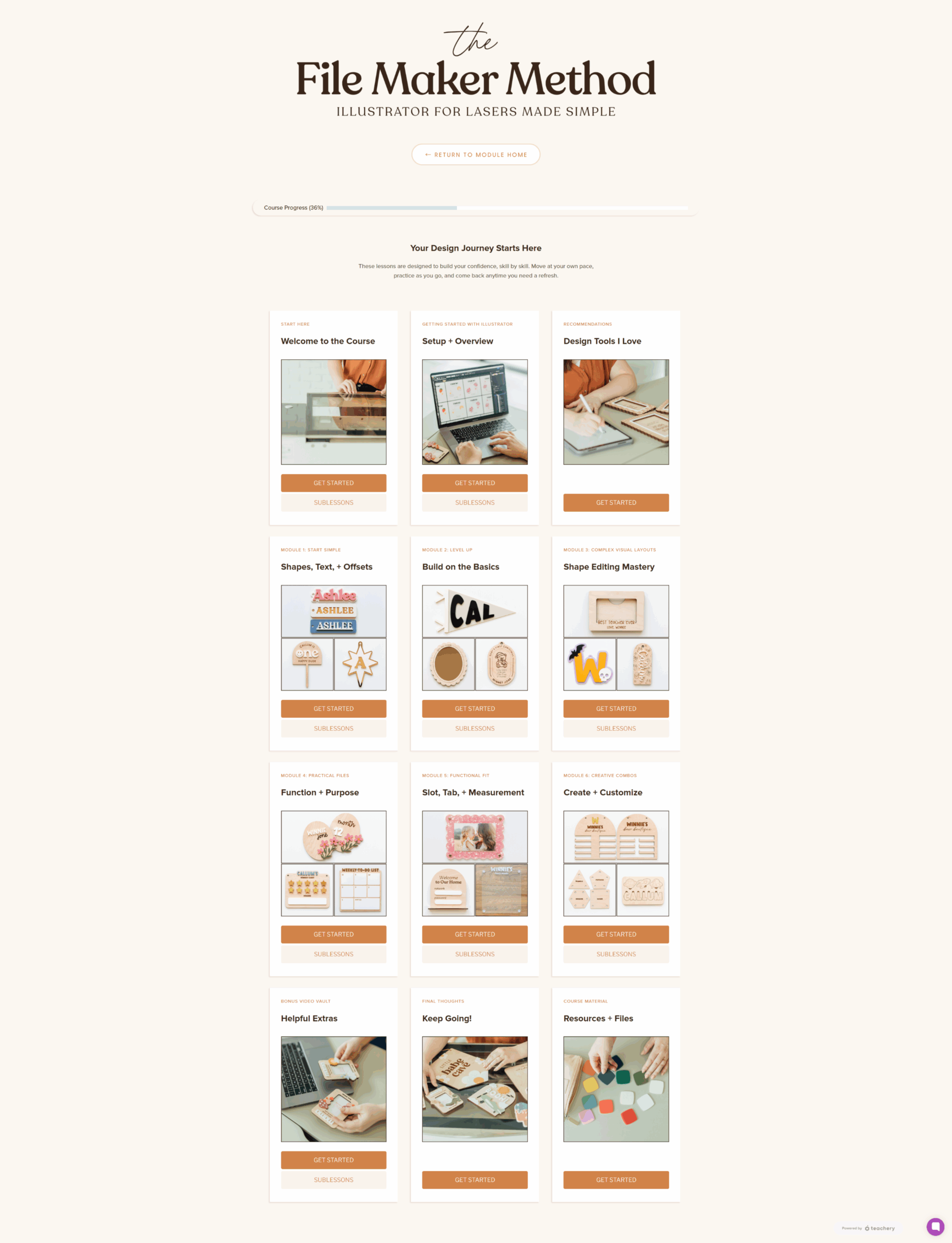
Screenshot of what the homepage of the File Maker Method course looks like

What You’ll Learn Inside

This isn’t just another Illustrator course! It’s a hands-on training designed specifically for laser owners who want to confidently design their own SVG files from scratch. Here’s a peek at what you’ll learn:

Get your workspace ready the right way for laser design.

  • Set up your Illustrator workspace for laser designing
  • Understand color codes (cut, score, engrave)
  • Learn how to save laser-ready SVGs

We focus only on the tools you’ll actually use.

  • Pen, Curvature, and Pencil tools
  • Shape Builder & Pathfinder for combining shapes
  • Text and Offset Path for perfect lettering and border
  • Practical shortcuts and tricks that speed up your workflow

Learn how to create and control laser lines with confidence.

  • Draw your own scoreable artwork using path creation tools
  • Clean up overlapping lines for perfect paths + clean lines
  • Why score files are so versatile (turn it into an engrave or cut file)

Build your skills one real project at a time — 18 in total.

  • Calendars, name signs, nursery decor, activity boards, and more
  • How to layer, align, and polish your designs
  • Tips for testing, resizing, and refining your final SVGs

Keep your workflow simple and easy.

  • Tips for preserving your original elements as you design
  • Use artboards to build multiple designs at once
  • Create a repeatable workflow for prepping your SVGs for the laser

This is just the start.

There’s a whole world of design skills waiting for you inside.

testimonials
  • Ashlee is so dang good at what she does and teaches in a way that actually clicks. It’s clear, beginner-friendly, and packed with golden nuggets even if you’ve been designing for a while. I kept finding myself thinking, “Wait…why has no one ever explained it like this before?” She makes Illustrator feel doable, even fun.
    Alexes – Boston & Birch
  • I can’t even tell you just how helpful Ashlee’s lessons have been for me. I have rewatched so many!
    sarah Raquel Creative
  • This course is incredible and well worth the money, Ashlee is a wealth of knowledge. The course is easy to follow and perfect for busy moms that can’t sit and do it all in one sitting.
    Megan – Laiksloft

Frequently Asked Questions

You can always email me (info is inside the course)! I’m happy to answers questions. But to make things easier for you, I’ve created a custom GPT (AI bot) that is trained on my course material. It’s like having me on call to guide you through Illustrator tools, answer tricky design questions, and keep you moving forward.

Nope! This course is designed with beginners in mind 🙂

You get unlimited access, including all future updates.

Absolutely. The projects you complete during the course are yours to cut and sell as physical or digital products. They’ll give you a solid starting collection for your shop!

The only requirement for the course is the desktop version of Adobe Illustrator. Optional tools would be: An iPad with an apple pencil, Astropad Studio App, and a laser for testing your projects.

This is a beginner-focused course designed specifically for laser users. I walk through the core Illustrator tools, laser-friendly workflows, and foundational skills step-by-step.

If you already have strong Illustrator experience or have taken multiple advanced courses, some of the foundational lessons may feel familiar.

The course is designed to guide you through 18 projects over about 6 weeks (around 3 projects per week) but you can totally go at your own pace. There’s no rush, and you have unlimited access!

To keep things fair due to the digital and educational nature of this course, refunds are only granted if less than 25% of the course has been viewed or completed.

This policy allows students to review the material while protecting the integrity of the course content and included resources.

Please review the course curriculum and skill level before purchasing to ensure it matches your needs.

Make this the moment you take creative control

You can keep avoiding Illustrator, or you can finally learn what you need to know to create laser-ready files with confidence. I’ll guide you through it step by step.

Enroll now
© 2025 Made of Embers
Terms & Conditions
Privacy Policy
Scroll to top

Review My Order

0

Subtotal

Taxes & shipping calculated at checkout

Checkout
0

Notifications