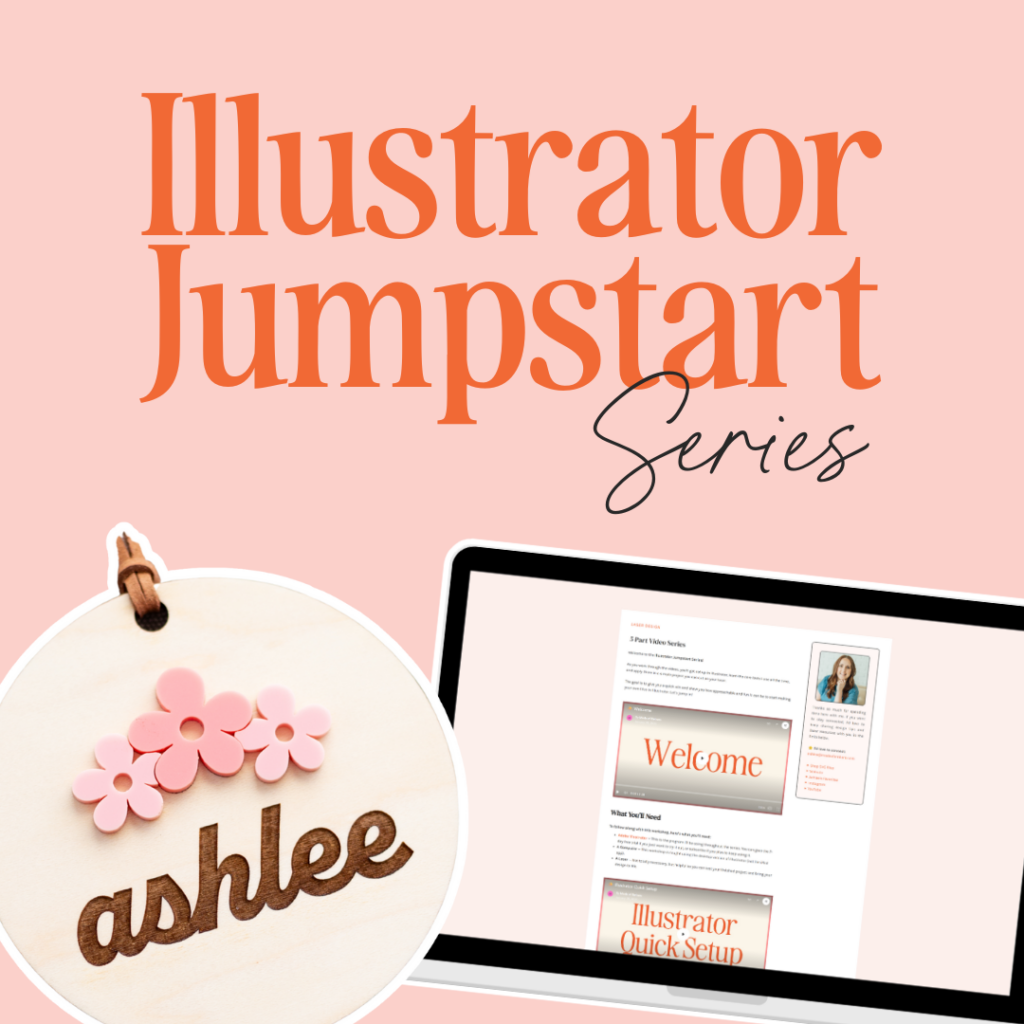
Free 5-part Video Series
Illustrator Jumpstart
Your first step toward designing with confidence
In this series, you’ll learn the basics of getting started in Adobe Illustrator. We’ll set up your workspace, walk through the four core tools you’ll use again and again, and put them to work in a simple project you can run on your laser for a quick win. You can get through the whole series in under an hour!
In this Jumpstart Series, you’ll learn…
How to stop staring at Illustrator like it is a foreign language and actually start using it to design files for your laser. Illustrator Jumpstart is a short, five-part video series where I sit with you inside Illustrator. You will not just watch. You will follow along, design something you can actually make on your laser, and walk away knowing you can do this.
Inside Illustrator Jumpstart, you’ll learn things like:
meet your host
Hey, I’m Ashlee
Laser designer & Educator
I’ve been in the laser world since 2018, and I created this series because I remember exactly how overwhelming it felt to learn Illustrator for laser design for the first time.
If you’ve ever questioned whether you’re capable enough to design your own files or felt lost trying to learn on your own, you’re going to love this series!
My goal is simple. I want Illustrator to feel usable instead of overwhelming, and I want you to feel confident enough to keep going.
And if you’re ready for more after that, I’d love to help you learn Illustrator with me, one project at a time.
